Bitcoin Self-Custody: How to Actually Own Your Bitcoin
92.5% of crypto owners trust a third party with their coins. Exchange collapses have cost users $18.9B+. Here's how to take real ownership with a hardware wallet.
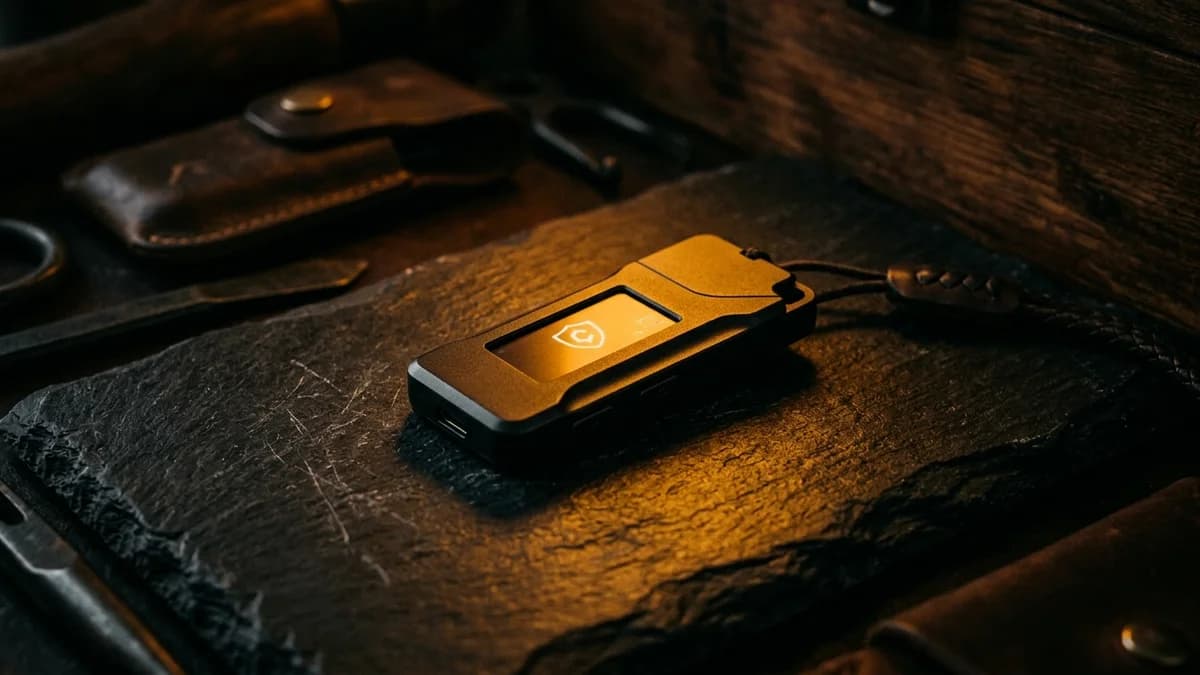
Bitcoin self-custody means holding your own private keys instead of leaving Bitcoin on an exchange. Only 7.5% of crypto owners practice any form of self-custody, according to Ledger's 2024 report. Exchange collapses and hacks have cost users over $22.7 billion since 2011. A hardware wallet costs $60 to $80 and takes about 15 minutes to set up.
You bought Bitcoin. Maybe on Strike or Cash App. You set up a recurring buy. You're stacking sats. Good.
But here's the question nobody asks until it's too late: do you actually own it?
If your Bitcoin is sitting on an exchange, the honest answer is no. You own a balance on someone else's computer. A promise. An IOU. And history has shown, repeatedly, what happens when those promises break.
Self-custody changes that. It means you hold the keys to your own Bitcoin. No middleman. No company that can freeze your account, go bankrupt, or get hacked. Just you, your keys, and the blockchain.
This guide walks you through exactly how to do it. Step by step. Plain English. No jargon.
Self-custody means you hold your own Bitcoin keys instead of trusting an exchange. Exchange failures have cost users over $18.9 billion (FTX, Celsius, Mt. Gox, Bybit). A hardware wallet costs $60-80 and takes about 15 minutes to set up. Start with a custodial app like Strike, then move your Bitcoin to self-custody once your holdings grow past a few hundred dollars. Only 7.5% of crypto owners do this today (Ledger, 2024).
Prerequisites: What Is a Bitcoin Wallet? | Bitcoin for Beginners
Why Does Self-Custody Matter?
Of the 400 million people worldwide who own cryptocurrency, only 30 million practice any form of self-custody. And only 10 million do it securely, according to Ledger's 10-year report (2024). That means 92.5% of crypto owners are trusting someone else with their coins.
Most of the time, that trust works fine. Until it doesn't.
Here's what "doesn't" looks like:
- Mt. Gox (2014): 850,000 Bitcoin stolen. 127,000 creditors waited a decade for partial repayment.
- Celsius (2022): Froze withdrawals overnight. $4.7 billion in customer funds. 600,000 users became unsecured creditors.
- FTX (2022): $8 billion deficit. Over 2 million customers. The CEO used customer deposits for unauthorized trading.
- Bybit (2025): $1.5 billion stolen in a single hack, the largest crypto theft in history.
Customer Funds Lost in Exchange Failures
Billions in customer assets vanished because users didn't hold their own keys
*Mt. Gox valued at time of 2024 creditor repayments. Sources: Reuters, DOJ, FTC, Chainalysis (2022–2025)
Every one of these failures had something in common. Customers didn't hold their own keys. They trusted a company. The company failed. And the customers had no way to access their own Bitcoin.
People who held self-custody? Completely unaffected. Their Bitcoin sat on the blockchain, untouched, because nobody else had the keys.
Bitcoin on exchanges has dropped to roughly 2.7 million BTC, the lowest level since 2019, down about 15% from mid-2024 levels, according to CryptoQuant exchange reserve data. The smart money is leaving exchanges. The question is whether you will too.
What Do You Actually Need?
Self-custody sounds intimidating. It isn't. Here's the full shopping list:
Option 1: Hardware wallet ($60-80) This is the gold standard. A physical device that stores your keys completely offline. Think of it as a USB drive that holds the password to your Bitcoin. The keys never touch the internet.
Option 2: Non-custodial mobile wallet (free) Apps like Muun or BlueWallet run on your phone and give you control of your keys. They're less secure than hardware (your phone connects to the internet), but far better than leaving everything on an exchange. A good stepping stone.
For either option, you'll also need:
- 15-30 minutes of setup time
- A pen and paper (seriously, that's it)
- A safe place to store your seed phrase (more on that below)
| Wallet | Type | Price | Best For |
|---|---|---|---|
| Ledger Nano S Plus | Hardware (USB-C) | ~$79 | Most beginners. Solid security, simple setup. |
| Trezor Safe 3 | Hardware (USB-C) | ~$79 | Open-source firmware. Slightly different interface. |
| Coldcard Q | Hardware (air-gapped) | ~$220 | Advanced users. No USB needed. Maximum security. |
| Muun | Mobile app | Free | First step into self-custody. Easy to use. |
| BlueWallet | Mobile app | Free | More features. Supports multiple wallets. |
If you're new to this, the Ledger Nano S Plus or Trezor Safe 3 are the standard recommendation. Pick either one. They both work. The best wallet is the one you actually set up.
How to Set Up a Hardware Wallet (Step by Step)
This takes about 15 minutes. You don't need any technical knowledge. If you can follow a recipe, you can do this.
Step 1: Buy Direct From the Manufacturer
Order your hardware wallet from Ledger's official site or Trezor's official site. Never buy from Amazon resellers, eBay, or secondhand marketplaces. Pre-owned hardware wallets are one of the oldest scams in crypto. The seller pre-loads a seed phrase, waits for you to deposit Bitcoin, then drains it.
Never buy a used hardware wallet. If the device came with a seed phrase already written down, it's compromised. A legitimate wallet generates a fresh seed phrase during your first setup.
Step 2: Unbox and Connect
Plug the device into your computer or phone via USB-C. Follow the on-screen prompts. The wallet's companion app (Ledger Live or Trezor Suite) will guide you through the rest.
Step 3: Create Your PIN
Choose a PIN that you'll remember but others can't guess. This PIN protects the physical device. If someone steals it, they need the PIN to access it. Most wallets lock themselves after a few wrong attempts.
Step 4: Write Down Your Seed Phrase
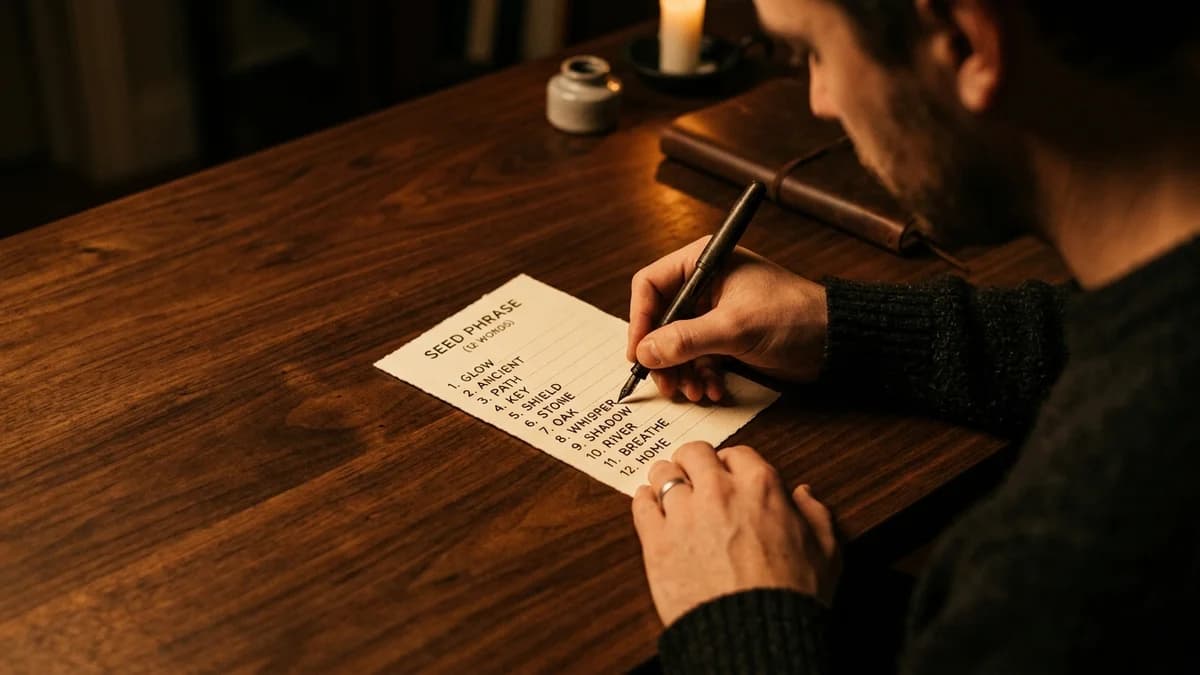
This is the most important step. The device will display a list of 12 or 24 ordinary English words in a specific order. This is your seed phrase (also called a recovery phrase).
Write it down. On paper. In order. Double check every word.
Do not photograph it. Do not type it into your phone. Do not email it to yourself. Do not store it in a cloud drive. Paper. Pen. That's it.
Step 5: Verify Your Seed Phrase
The device will ask you to confirm the words in order. This makes sure you wrote them down correctly. Take your time. Getting one word wrong means the backup won't work when you need it.
8 million+
Hardware wallets sold by Ledger alone. None have been remotely hacked. They secure roughly 20% of the world's total crypto value.
Ledger / CoinLaw, 2025
Step 6: Install the Bitcoin App
On Ledger, open Ledger Live and install the Bitcoin app. On Trezor, the Bitcoin support is built in. Your wallet is now ready to receive Bitcoin.
You now have a Bitcoin address on your hardware wallet. This is the address you'll send Bitcoin to from Strike or Cash App.
How to Move Bitcoin Off Strike or Cash App
Your wallet is set up. Now you need to actually move your Bitcoin into it. Both Strike and Cash App make this free.
From Strike
- Open your hardware wallet app and copy your Bitcoin receive address.
- In Strike, go to your Bitcoin balance and tap "Withdraw."
- Paste your hardware wallet address.
- Choose the amount (or select all).
- Confirm. Strike sends it on-chain for free.
Strike also offers auto-withdrawals. You can set a threshold ("every time my balance hits $200, send it to my wallet") and it runs automatically. Set it once and forget it.
From Cash App
- Copy your receive address from your hardware wallet.
- In Cash App, tap the Bitcoin tab and select "Send Bitcoin."
- Paste the address. Enter the amount.
- Confirm. Cash App supports both Lightning and on-chain withdrawals, both free.
Important: Send a small test transaction first. Send $5 worth. Confirm it arrives in your wallet. Then send the rest. Bitcoin transactions are irreversible. If you send to the wrong address, nobody can get it back. A $5 test is the cheapest insurance you'll ever buy.
Who Actually Holds Their Own Keys?
Of 400 million crypto owners worldwide, only 7.5% practice any form of self-custody
Source: Ledger 10-Year Report (Oct 2024)
That chart should bother you. The overwhelming majority of crypto owners are trusting companies with their coins, companies that have already proven they can fail. Moving your Bitcoin to self-custody puts you in the small minority who actually own what they bought.
Protecting Your Seed Phrase
Your seed phrase is your Bitcoin. Anyone who has those 12 or 24 words can regenerate your wallet on any device and move your funds. If you lose those words and your hardware wallet breaks, your Bitcoin is gone forever.
An estimated 3 to 4 million Bitcoin may be permanently lost, roughly 15-19% of the 21 million total supply, according to Chainalysis research. Many of those coins belong to early adopters who lost access to their keys. At current prices, that's over $200 billion locked on the blockchain with nobody who can reach it.
Don't add to that pile. Here are the rules:
Never store your seed phrase digitally. Not in your notes app. Not in a screenshot. Not in Google Drive. Not in a password manager. If it exists on a device connected to the internet, it can be stolen. Hackers use malware that scans for 12 and 24-word patterns specifically.
Write it on paper first. Store the paper somewhere physically secure. A locked drawer, a safe, a safety deposit box. Not taped to your monitor. Not in your junk drawer.
Consider a metal backup. Paper burns. It floods. It fades. Steel or titanium seed phrase plates cost $20-50 and survive fire, water, and time. Brands like Cryptosteel and Billfodl are popular options. For long-term storage, this is worth it.
Store copies in multiple locations. If your house burns down and your only seed phrase backup is in the house, your Bitcoin burns with it. Keep a second copy at a trusted family member's home, a safety deposit box, or another secure location.
Be careful who you tell. Your seed phrase is a bearer instrument. Whoever has it owns the Bitcoin. Tell only one or two trusted people who would need access if something happened to you. Never share it over text, email, or phone.
Billions Stolen From Crypto Platforms Every Year
Exchange hacks and platform exploits cost users billions annually
Source: Chainalysis Crypto Crime Reports (2023–2026)
The numbers keep climbing. And these are just the thefts we know about. Keeping your seed phrase offline and secure is the single most effective thing you can do to stay out of these statistics.
Five Mistakes That Lose Bitcoin Forever
Self-custody gives you full control. That also means full responsibility. Here are the mistakes that cost people real money:
1. Buying a used hardware wallet. This is a classic scam. The seller sets up the wallet, writes down the seed phrase, and sells the device as "new." You deposit Bitcoin. They drain it. Always buy direct from the manufacturer. Always go through the fresh setup process yourself.
2. Storing the seed phrase digitally. One piece of malware, one cloud breach, one compromised email account. That's all it takes. North Korea-affiliated hackers alone stole $1.34 billion across 47 incidents in 2024, according to Chainalysis. Many of those thefts started with compromised keys. Keep your seed phrase offline. Always.
3. Sending to the wrong address. Bitcoin addresses are long strings of random characters. One wrong character means your Bitcoin goes to an address nobody controls, and it's gone. Always copy and paste (never type by hand). Always verify the first and last few characters match. Always send a test transaction first.
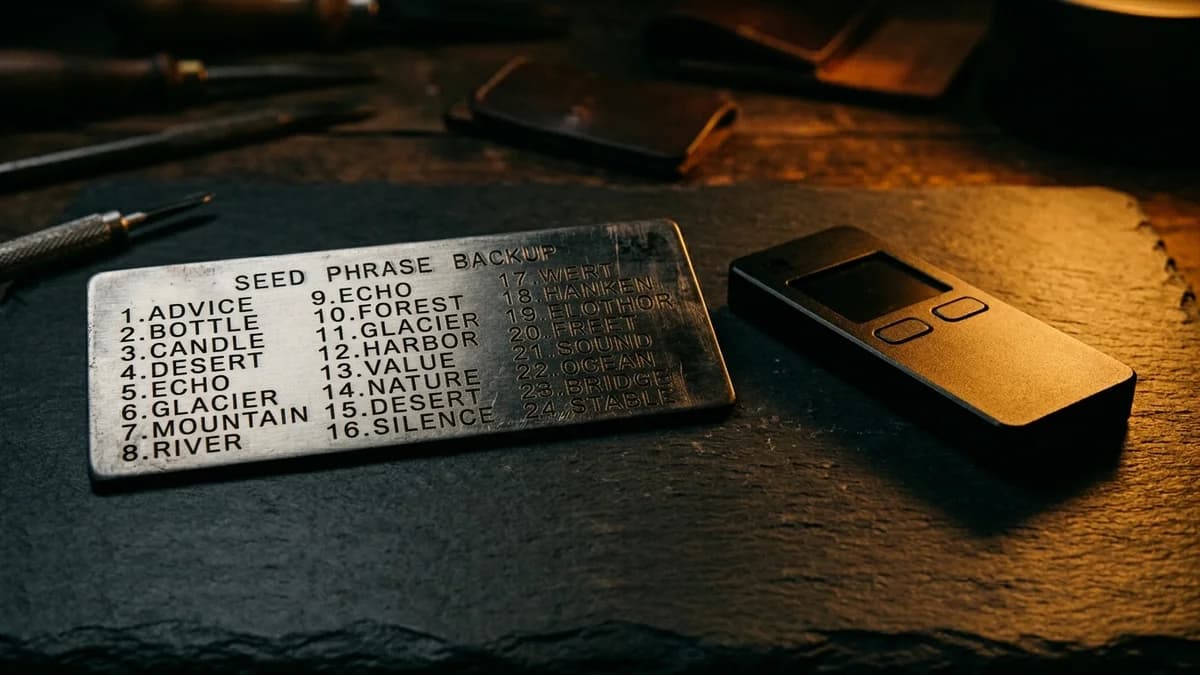
4. Losing the only copy of your seed phrase. If your hardware wallet breaks and you don't have your seed phrase, your Bitcoin is locked permanently. The blockchain doesn't care who you are. It only recognizes the keys. Keep at least two copies in separate physical locations.
5. Falling for phishing scams. "Verify your wallet." "Update your firmware at this link." "Enter your seed phrase to claim your airdrop." These are all scams. No legitimate wallet company, exchange, or service will ever ask for your seed phrase. Ever. If someone asks for it, they're trying to steal your Bitcoin.
You're learning what most crypto holders never bother to.
Join thousands building real financial knowledge, one step at a time.
When Should You Move to Self-Custody?
There's no magic number. But here's a practical framework:
Under $100: Stay on Strike or Cash App. The risk of losing your seed phrase (because you're still learning) outweighs the exchange risk at this level. Focus on building your DCA habit.
$100-500: Consider a free non-custodial mobile wallet like Muun or BlueWallet. You'll learn how addresses, transactions, and seed phrases work without spending money on hardware. Good practice.
$500+: A hardware wallet starts making sense. At this point, you're holding enough that a $79 device is a reasonable insurance policy. The hardware wallet costs less than losing your stack to an exchange failure.
$1,000+: You should seriously be using a hardware wallet. The security upgrade is worth it. Set up auto-withdrawals from Strike so new purchases flow automatically to your wallet.
The key insight: self-custody is a skill you build over time. You don't need to do everything on day one. Start custodial. Learn. Accumulate. Then graduate to holding your own keys when the amount justifies the responsibility.
Use our DCA Calculator to see how quickly your weekly buys can grow past these thresholds.
Frequently Asked Questions
Next steps: If you're still buying your first sats, start with our How to Buy Bitcoin on Strike guide. Already comfortable with the basics? Learn what a Bitcoin wallet actually is if you haven't already. And use our DCA Calculator to see what your weekly purchases look like over 3, 5, and 10 years.
This article is part of the Small Steps, Real Results series on Untaught. Self-custody is the most important step toward truly owning your Bitcoin.
This article is for educational purposes only and does not constitute financial advice. Untaught does not hold, move, or custody any funds. Past performance does not guarantee future results. Always do your own research before making investment decisions.
Quick calculator
Your coffee money could have become
$16,301
from $9,900 invested